
 Español
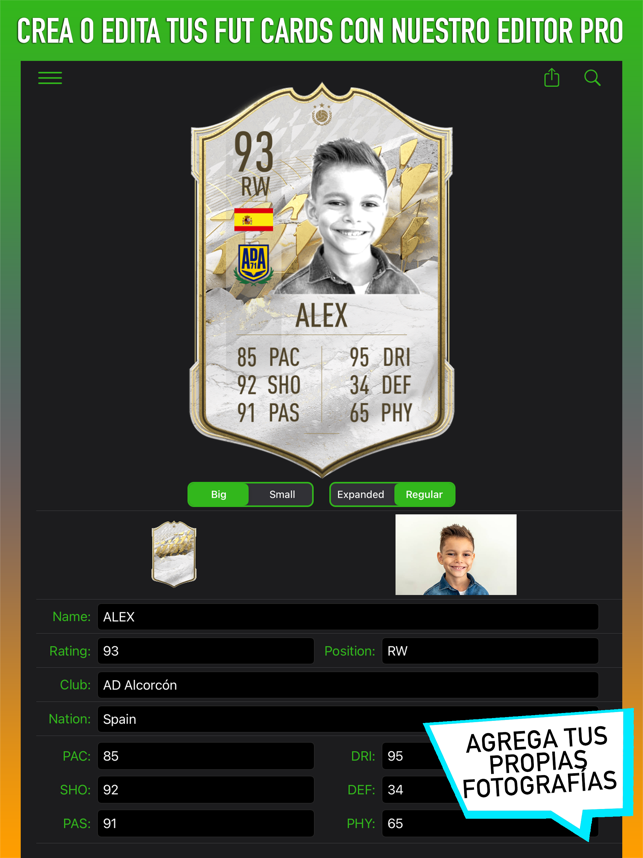
You can’t install Chrome extensions on iPhone or iPad, so NokaFut works differently there: through its own app, with the extension built in. It is simpler than on Android, but there is one important difference to know before you pay.
Step 1: get the app
Search for Noka Fut on the App Store or open it here.
Step 2: choose your plan
Open the app and choose PREMIUM or SUPERPREMIUM. On iOS you pay by card inside the app, not with PayPal.
Step 3: use the extension
Once subscribed you get the NokaFut tab with the extension built on top of the Web App: tools to trade, snipe and manage your club.
Important: licences are not shared
The iOS version doesn’t give access to the desktop one, or the other way round: they are separate licences. If you’ll use NokaFut on both computer and iPhone, keep that in mind before subscribing.
Note: NokaFut is a third-party tool. It is not affiliated with, endorsed by or connected to Electronic Arts. Using external tools on the Web App —and especially the automations in the paid tiers— goes against EA’s terms of service and may lead to penalties on your account. The decision to use it is yours.